
Podman is an open-source container engine designed to manage and run containers just like Docker, but with a more modern and secure architecture. While both tools serve the same purpose—building, running, and managing containers—Podman introduces several improvements that make it particularly attractive for developers, enterprises, and secure environments. If you would like to read how to install Helical Insight using docker, you can refer to this blog.
Podman is a daemonless, rootless container engine that is fully Docker-compatible but more secure and lightweight. Unlike Docker, it supports native Pods, better systemd integration, and allows running containers without root privileges
In this below blog, we will guide you on how to install Helical Insight using Podman
Step-by-Step Installation Guide for Podman on Windows :
1. Download and install Podman Desktop using the link below
https://podman-desktop.io/downloads/windows
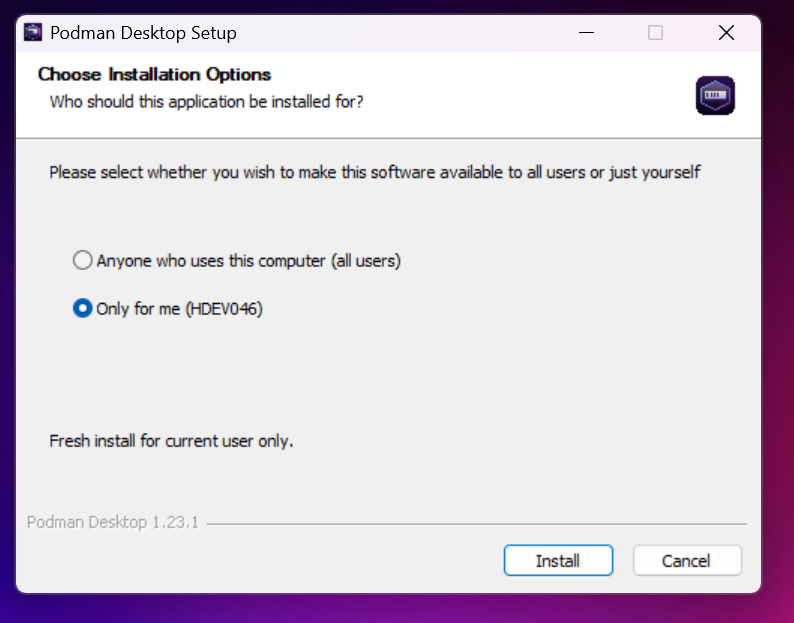
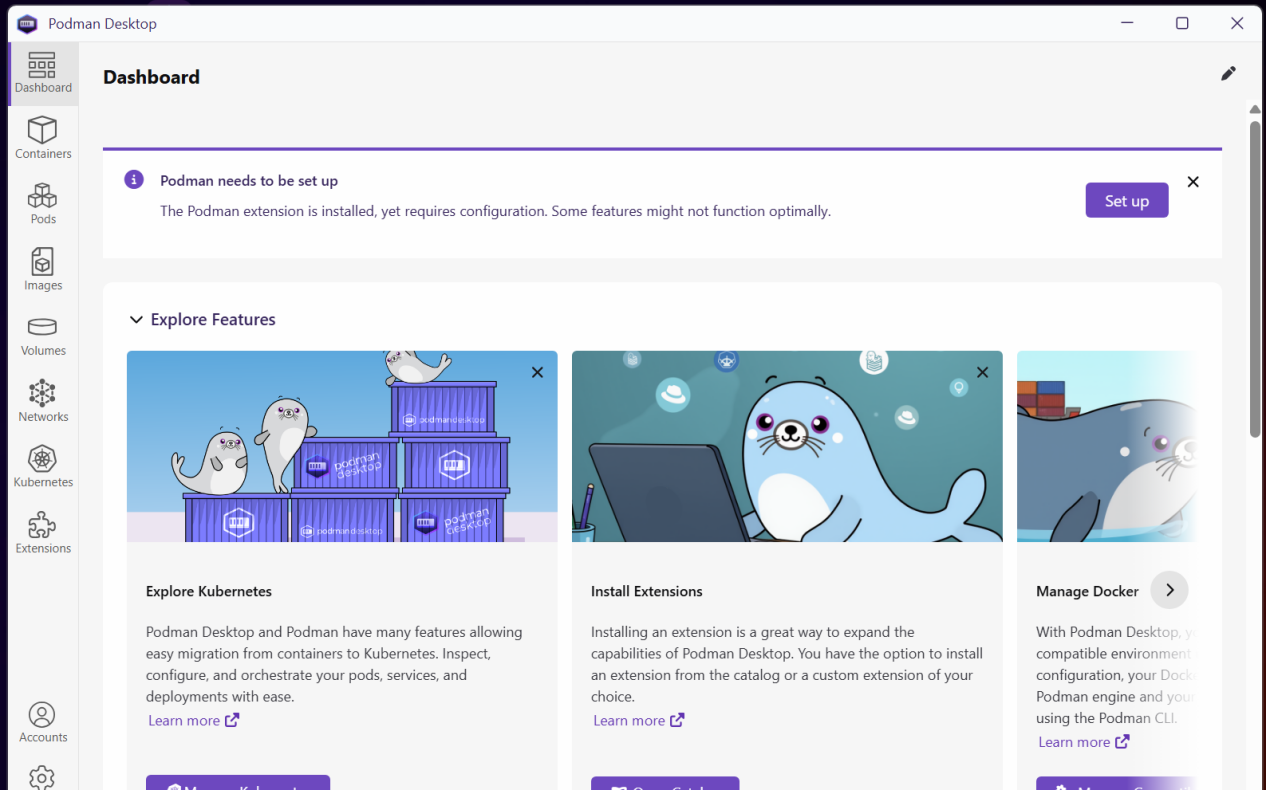
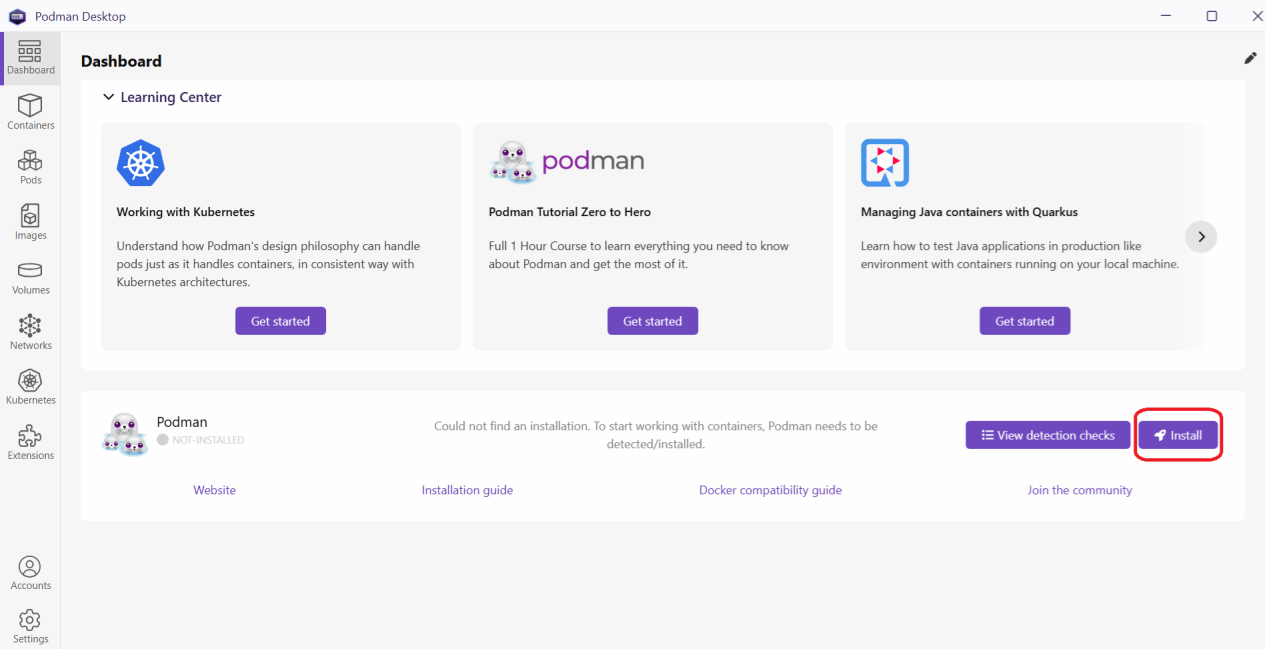
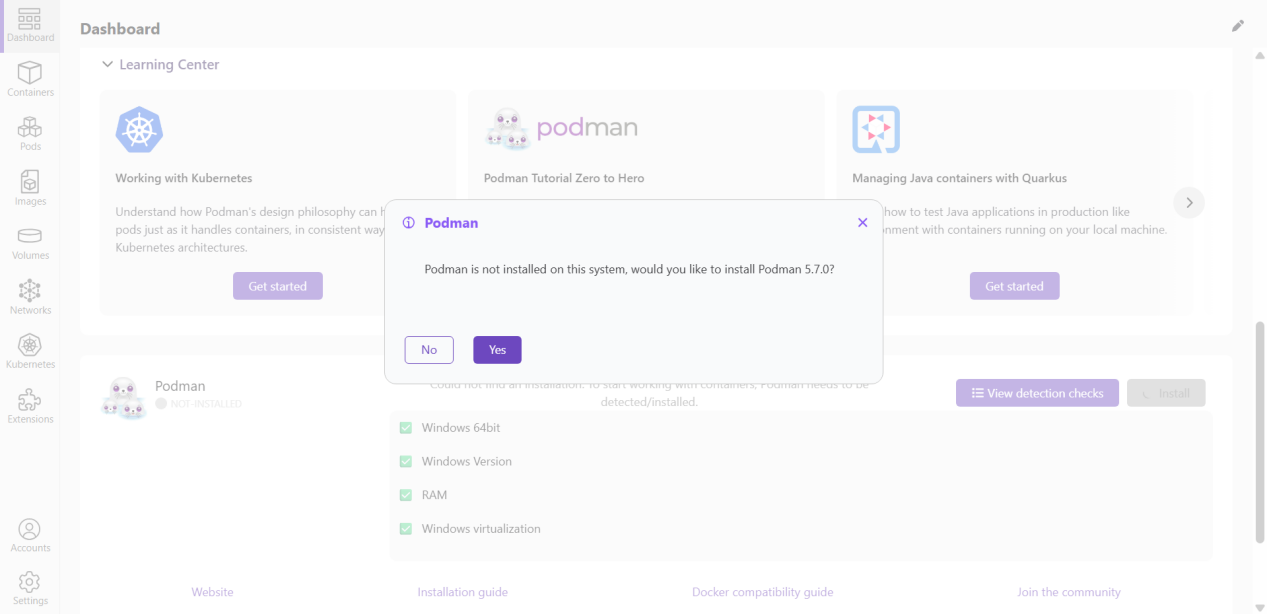
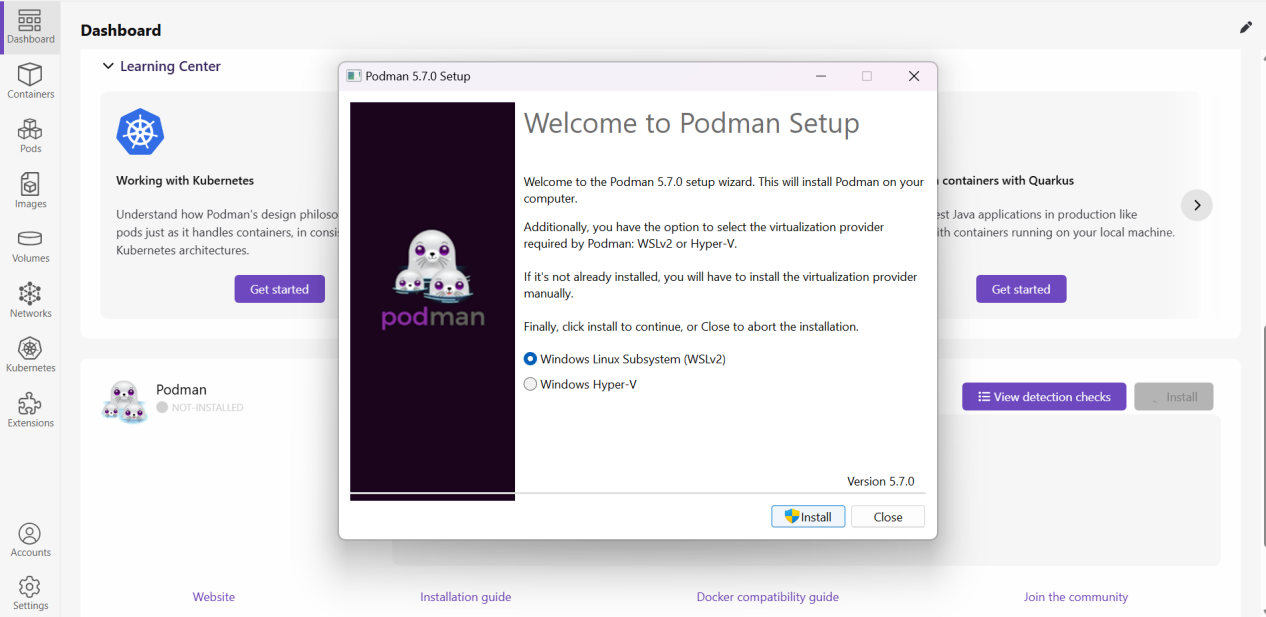
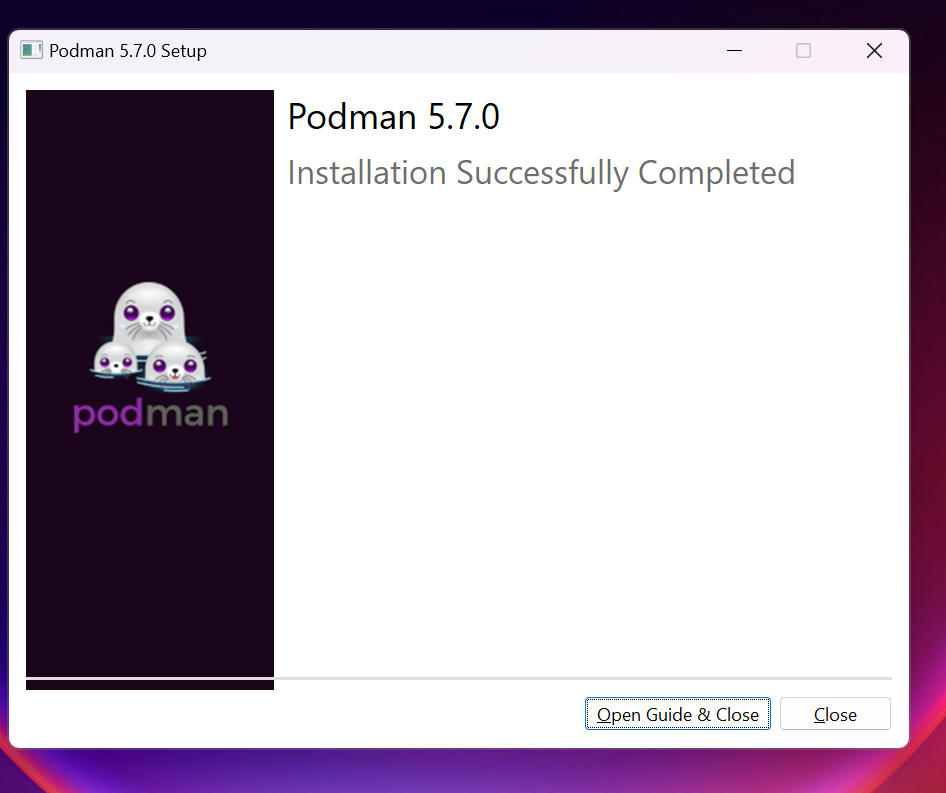
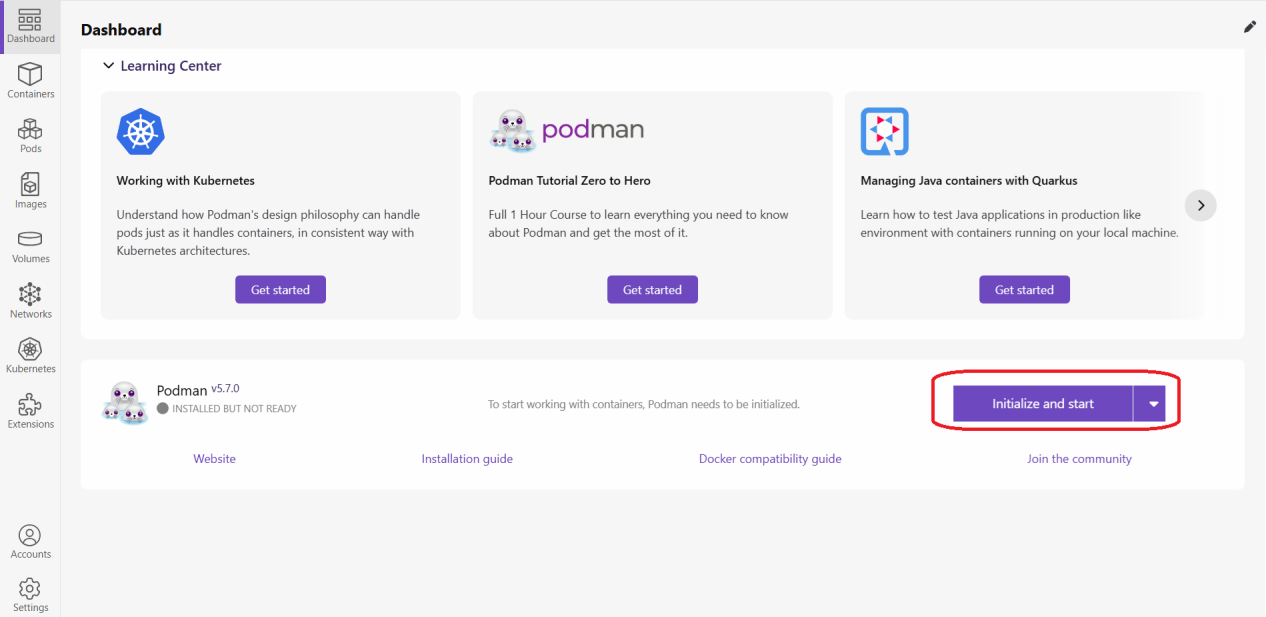
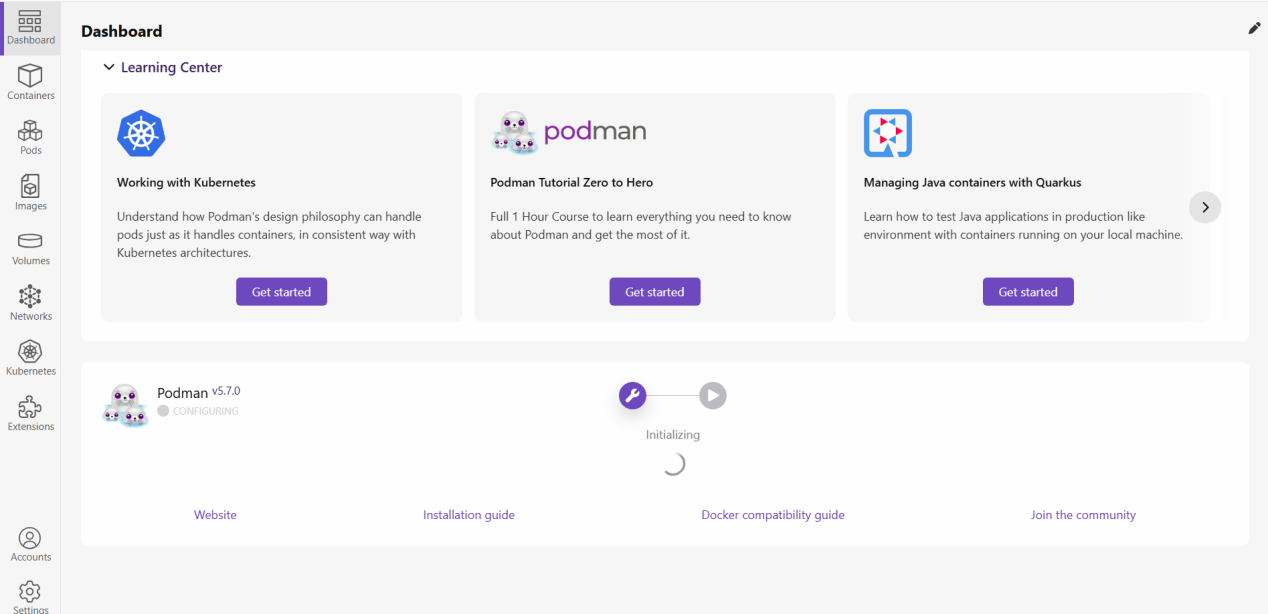
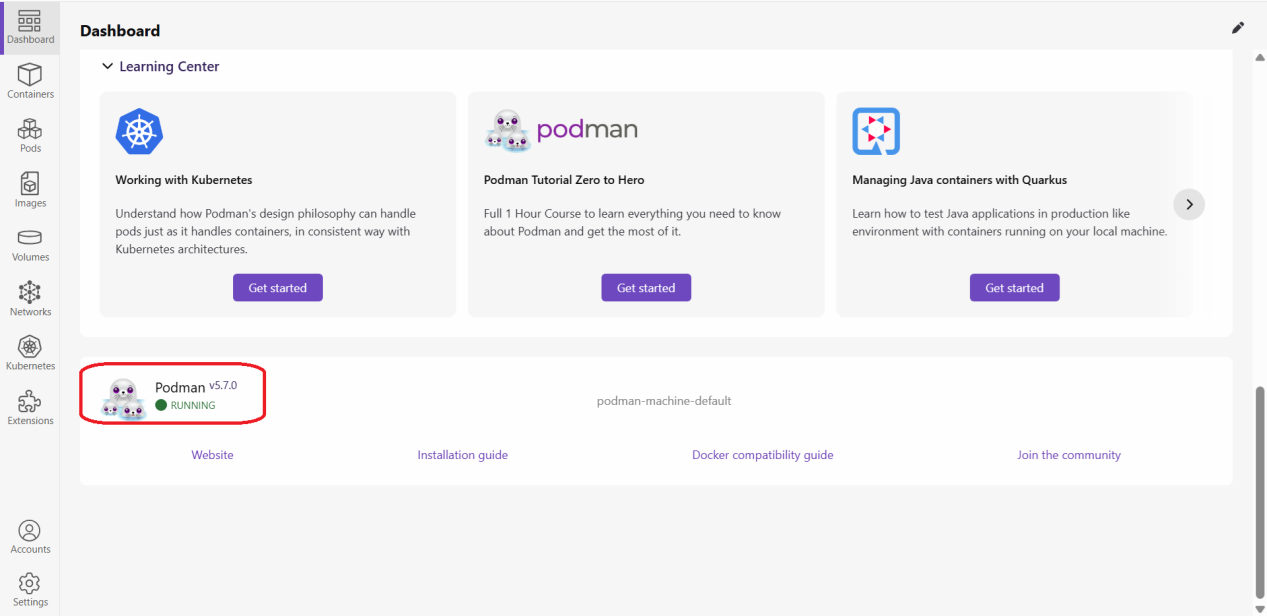
2. Open “Windows PowerShell” with administrator and run below command to confirm the podman installation. It should show proper version
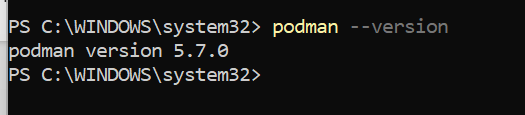
Installation of Podman compose :
1. Python is a prerequisite. We should install Python by downloading it from the link below
https://www.python.org/downloads/
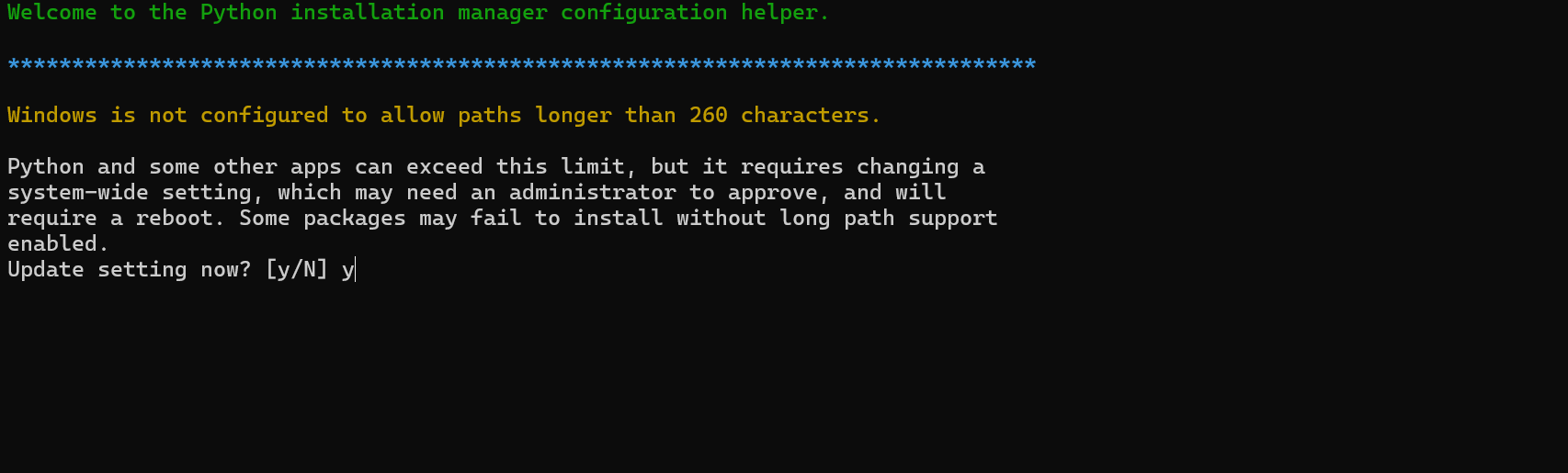
Check the python version for confirmation:
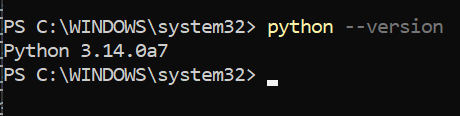
2. Run below command to install podman compose
pip install podman-compose
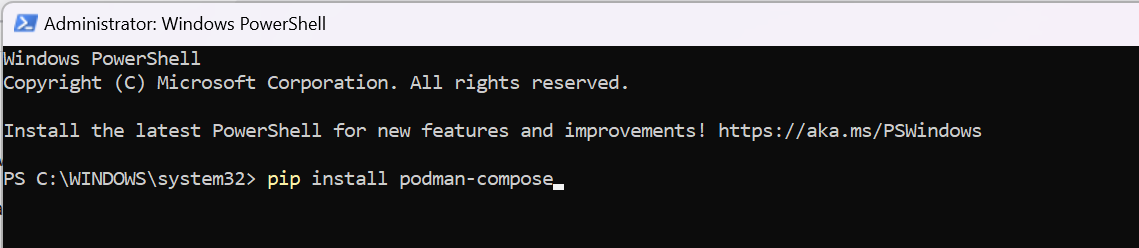
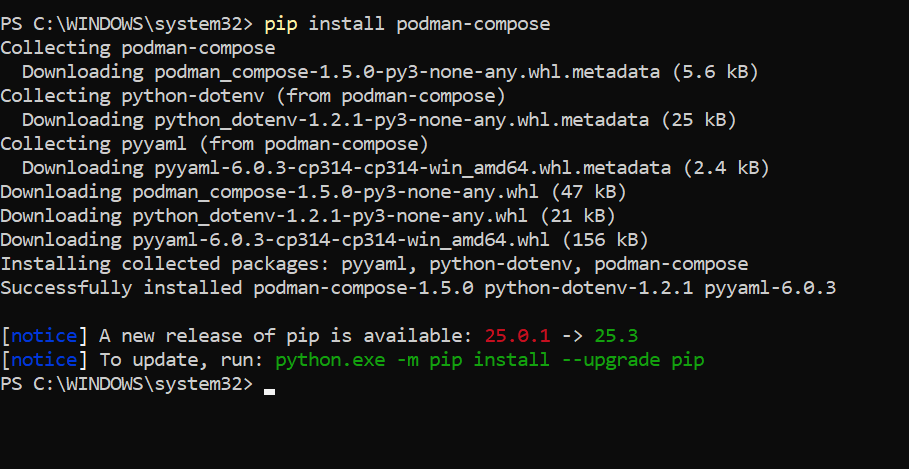
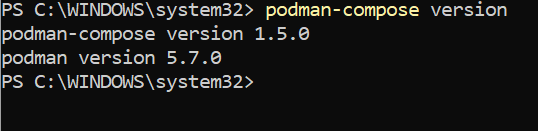
Check podman version using below command for confirmation :
podman-compose version
Installation of Helical Insight using Podman:
1. Download Helical Insight docker zip file using
Once downloaded, extract it and navigate to below path
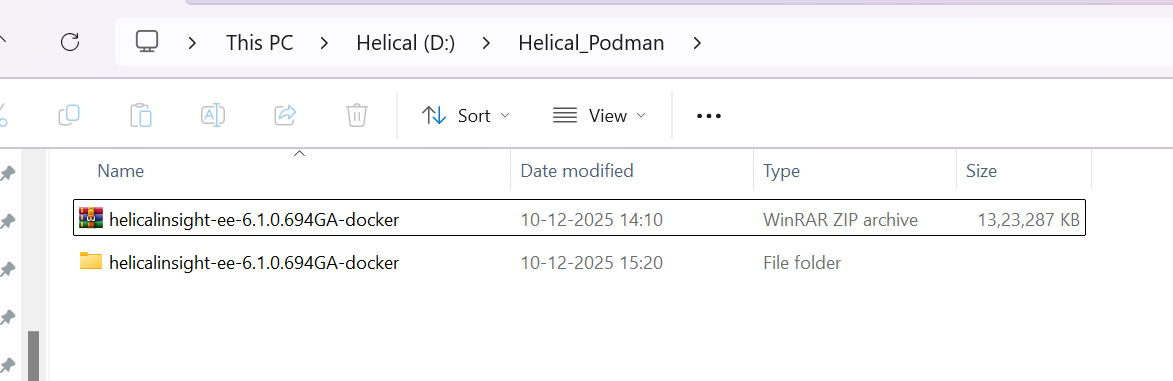
<PATH>/helicalinsight-ee-6.1.0.694GA-docker\helicalinsight-ee-6.1.0.694GA
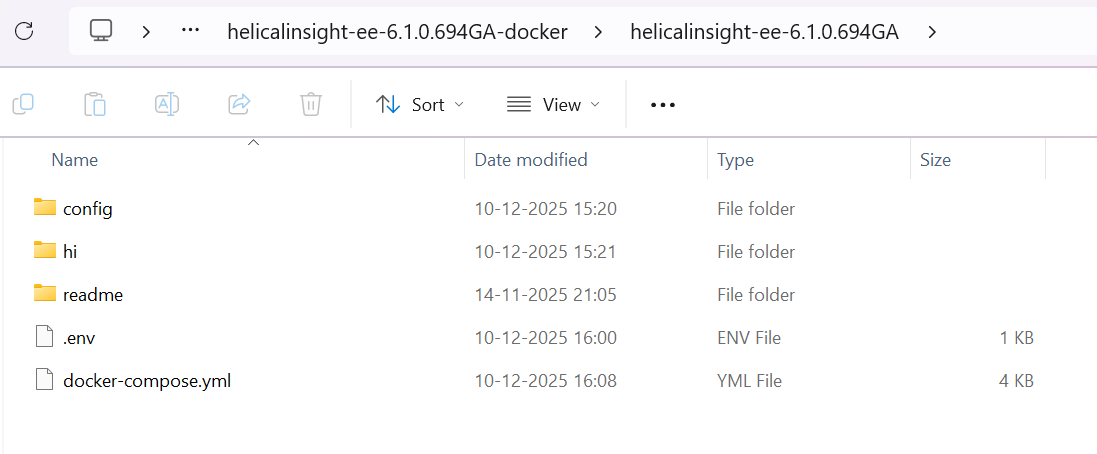
2. Open .env file from below path (path can slightly changed based on the version of docker being deployed)
<PATH>/helicalinsight-ee-6.1.0.694GA-docker\helicalinsight-ee-6.1.0.694GA
By default HOST_IP will be 0.0.0.0 change it to localhost, then save changes
3. Navigate to below path
<PATH>/helicalinsight-ee-6.1.0.694GA-docker\helicalinsight-ee-6.1.0.694GA
And run the following command to start the container
podman-compose up -d
Note: The command to stop is
podman-compose down

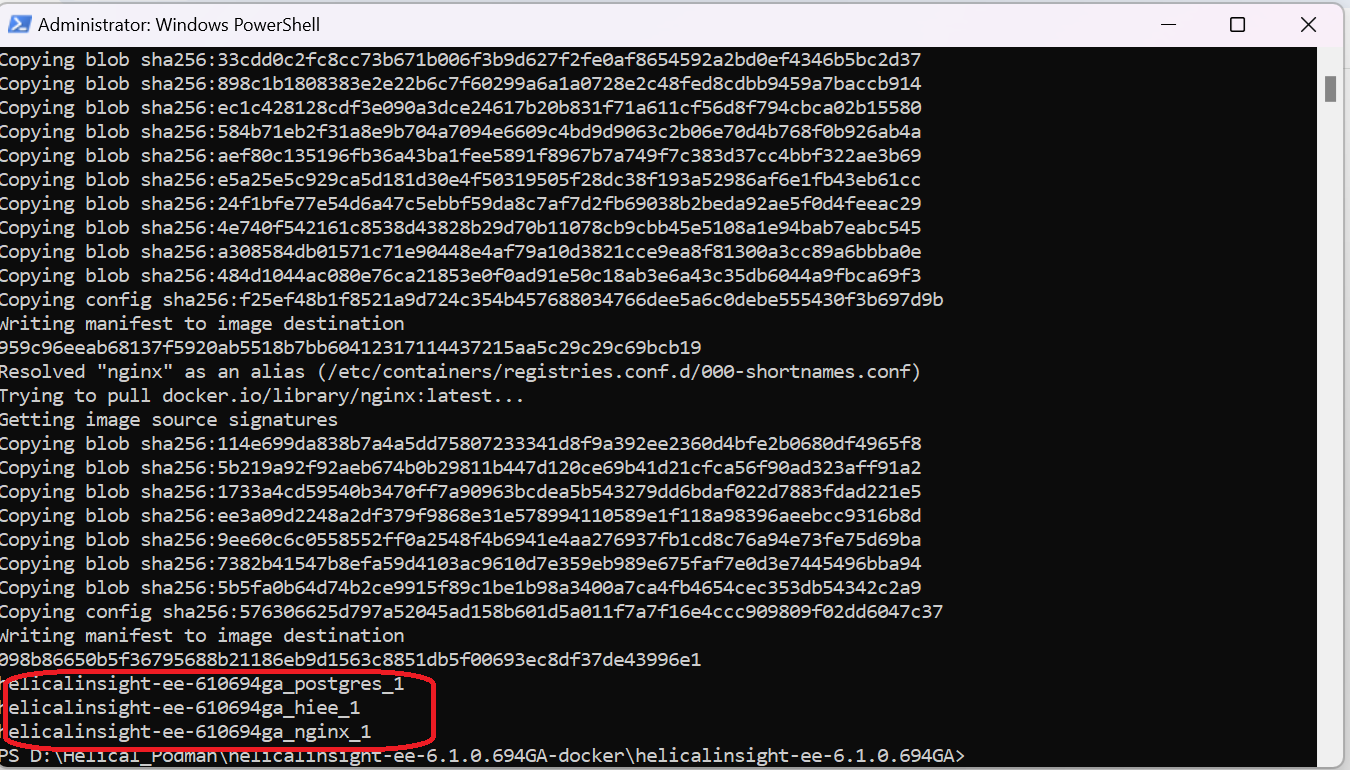
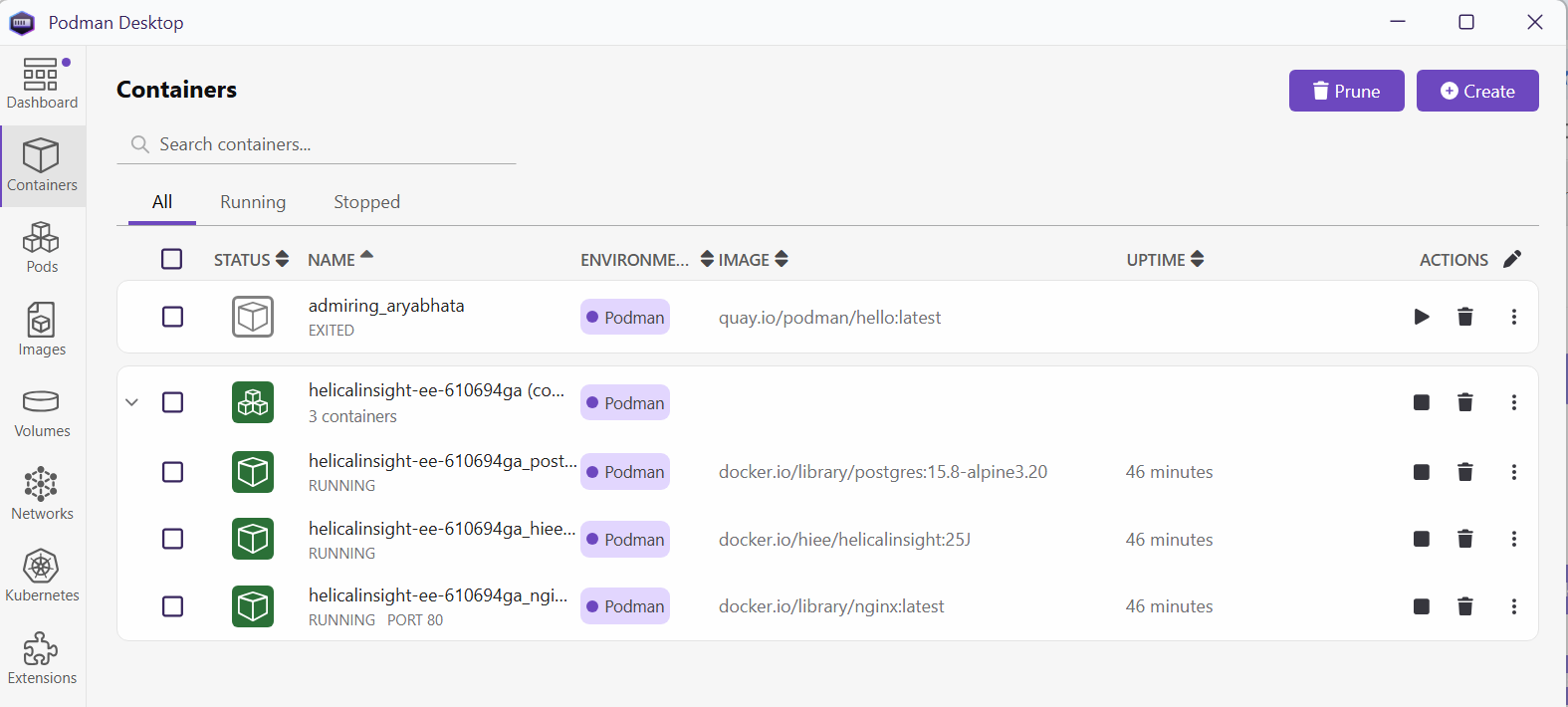
4. Once it is started we can see containers information from Podman desktop
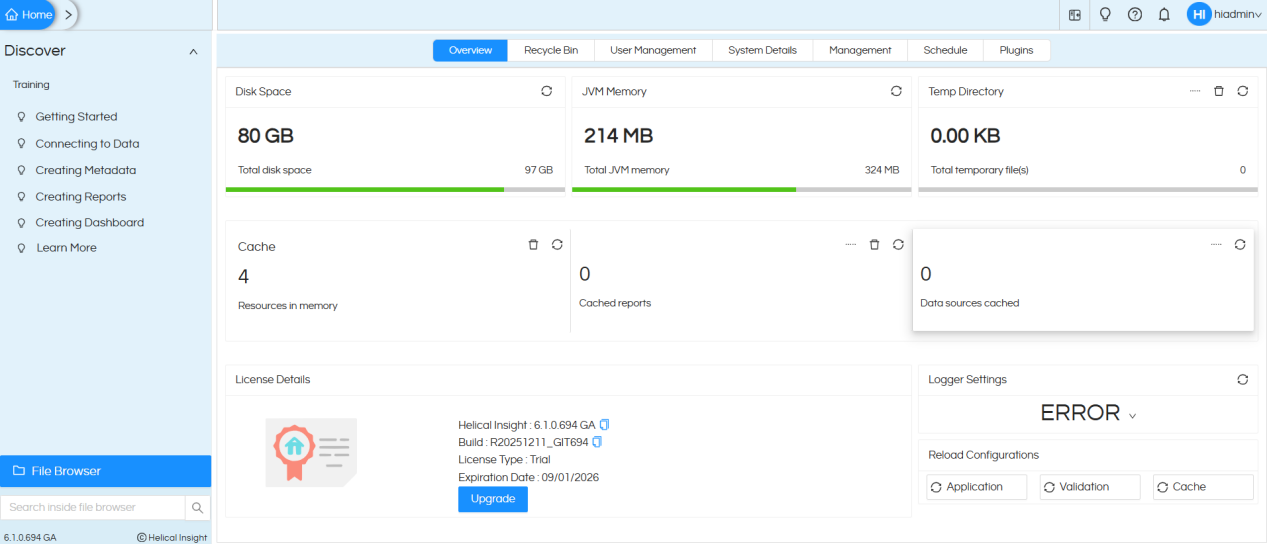
5. Now access the application using below URL
To increase the JVM of helical insight for better performance, please refer to this blog.
