
Note : Enable SSO in helical Insight before calling SSO post request
https://www.helicalinsight.com/implementing-single-sign-sso-helical-insight-application/
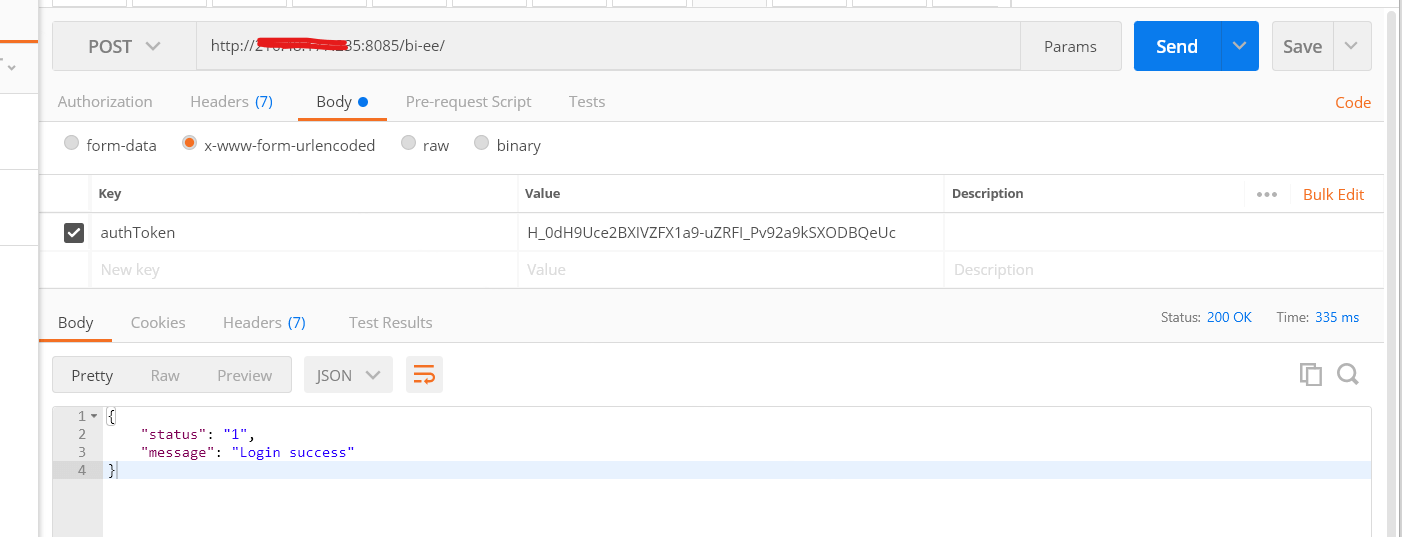
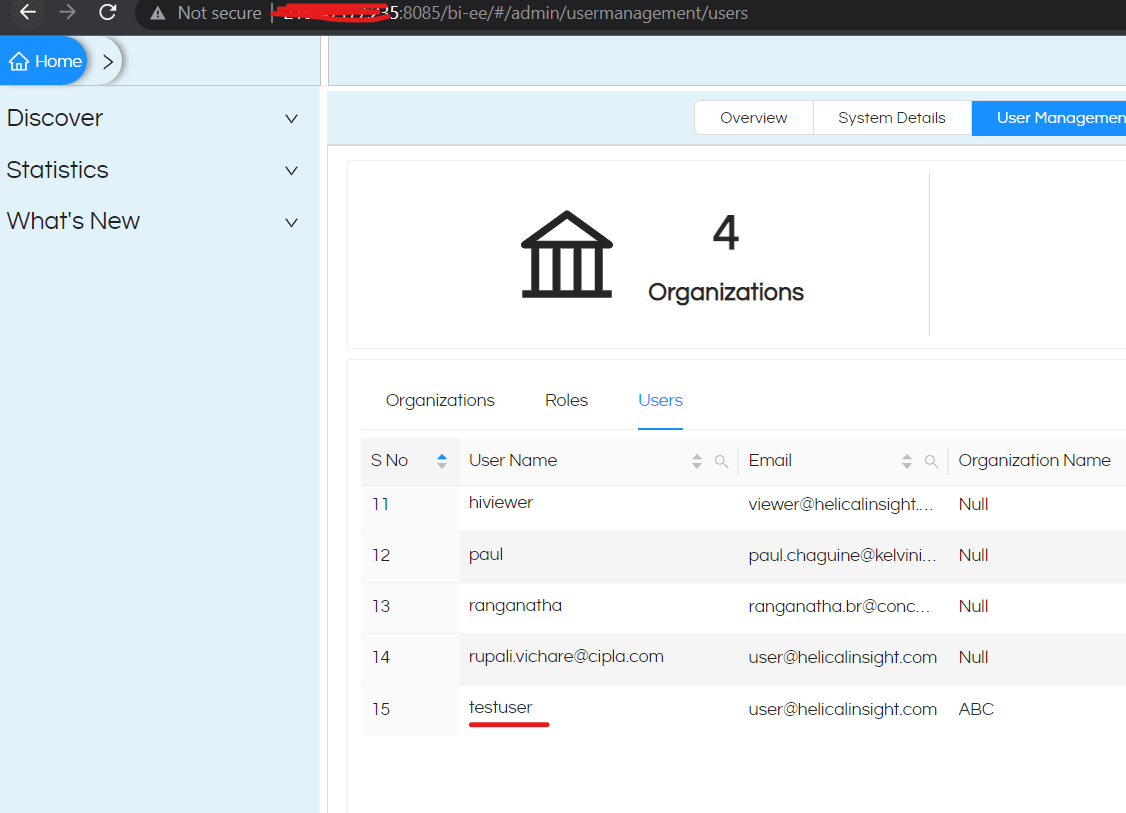
If we want to create a sso user using ajax post request, we should call the request as mentioned below
Sample code for calling sso code with post request :
url : Helical Insight BI URL
authToken : SSO token
var settings = {

"url": "http://hostname:8085/hi-ee/",

"method": "POST",

"timeout": 0,

"headers": {

"sec-ch-ua": "\"Microsoft Edge\";v=\"113\", \"Chromium\";v=\"113\", \"Not-A.Brand\";v=\"24\"",

"Accept": "application/json, text/plain, */*",

"Content-Type": "application/x-www-form-urlencoded",

"X-Requested-With": "XMLHttpRequest",

"sec-ch-ua-mobile": "?1",

"User-Agent": "Mozilla/5.0 (Linux; Android 6.0; Nexus 5 Build/MRA58N) AppleWebKit/537.36 (KHTML, like Gecko) Chrome/113.0.0.0 Mobile Safari/537.36 Edg/113.0.1774.42",

"sec-ch-ua-platform": "\"Android\"",

"Cookie": "JSESSIONID=0CE1E487A97E5911EE99B01C59B2E389"

},

"data": {

"authToken": "H_0dH9Uce2BXIVZFX1a9-uZRFI_Pv92a9kSXODBQeUc"

}

};


$.ajax(settings).done(function (response) {

console.log(response);

});
Thank You
Anjaneyulu
Helical IT Solutions
