
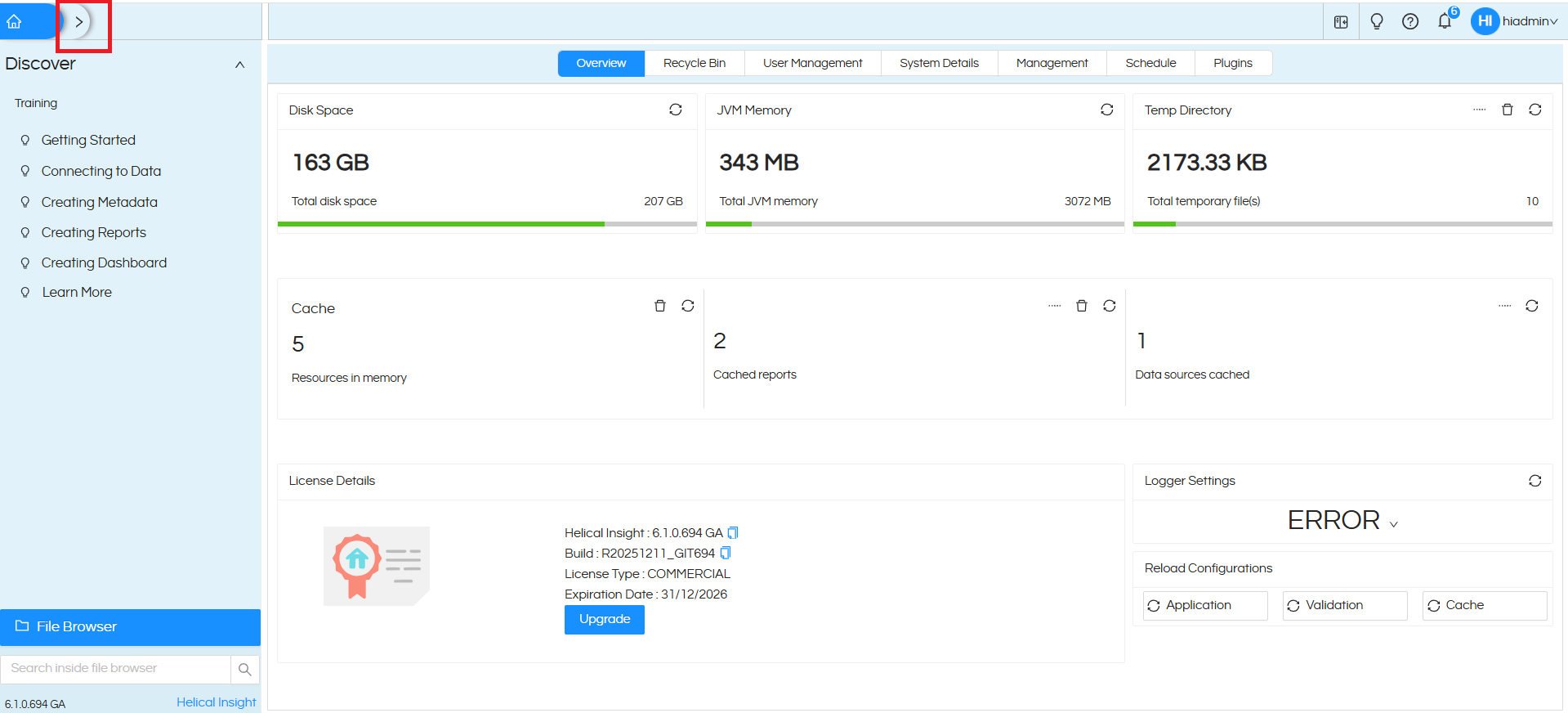
Go to Helical Insights
- Click on the ribbon icon to expand the menu (as shown in the figure)
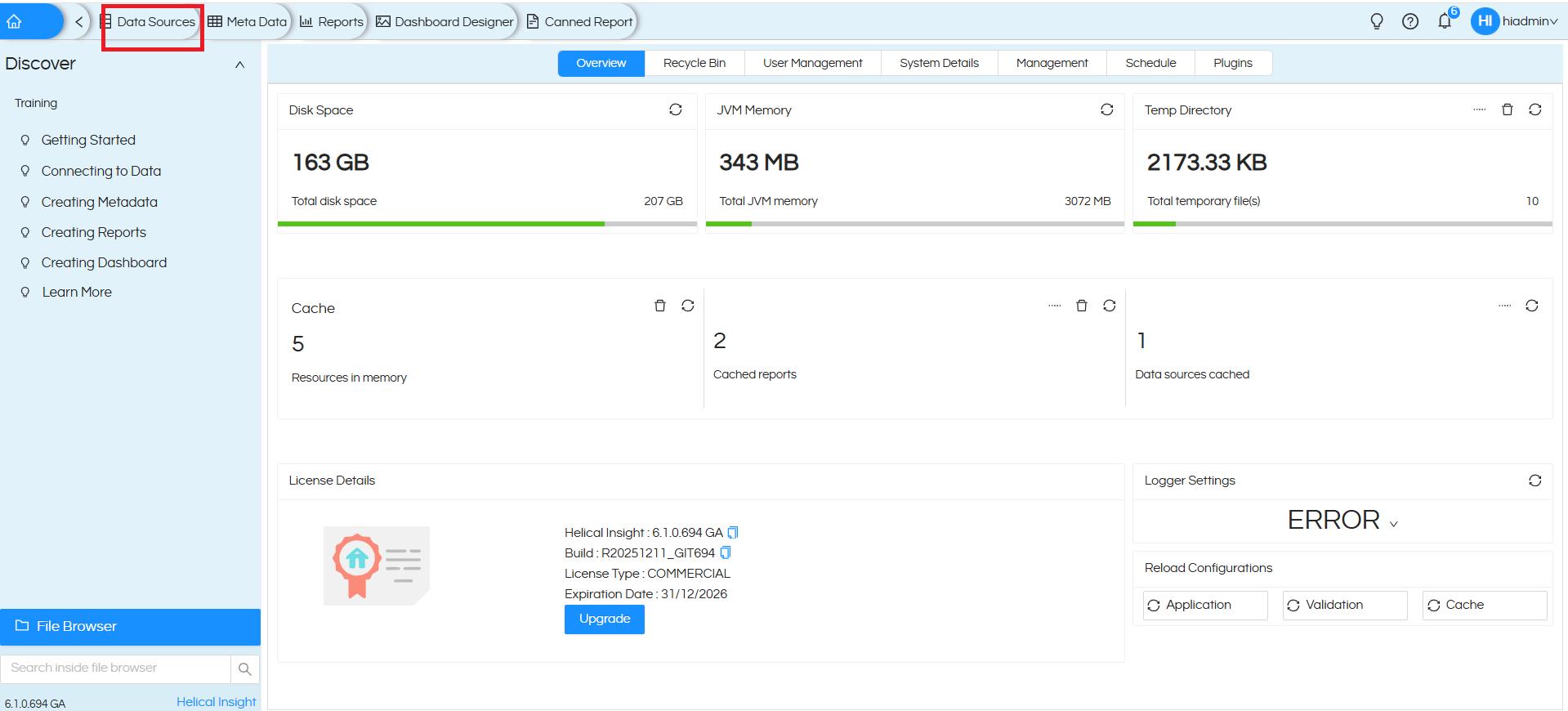
– Navigate to Datasource (Click on it)
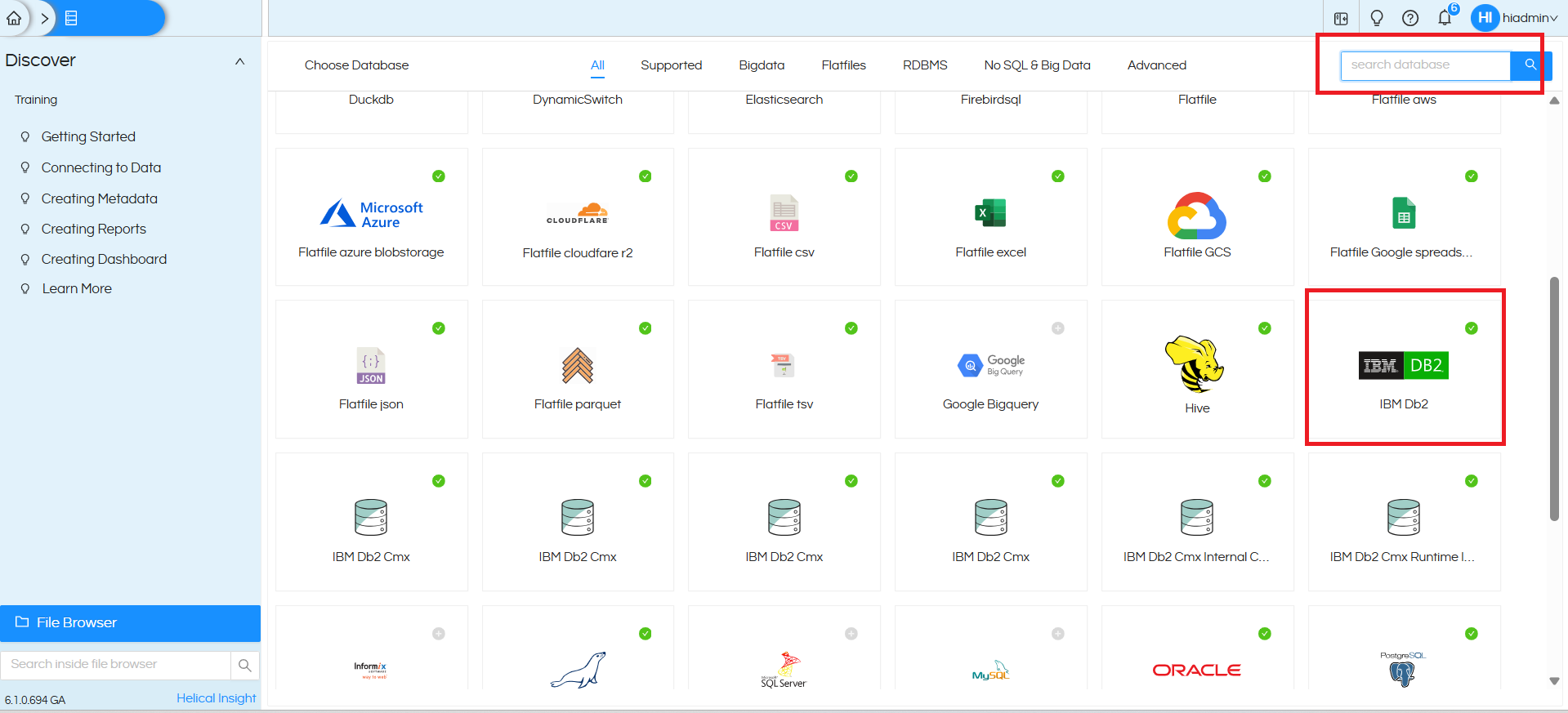
In the top-right search box, type: IBM DB2 Or scroll manually to find IBM DB2
And Click on it
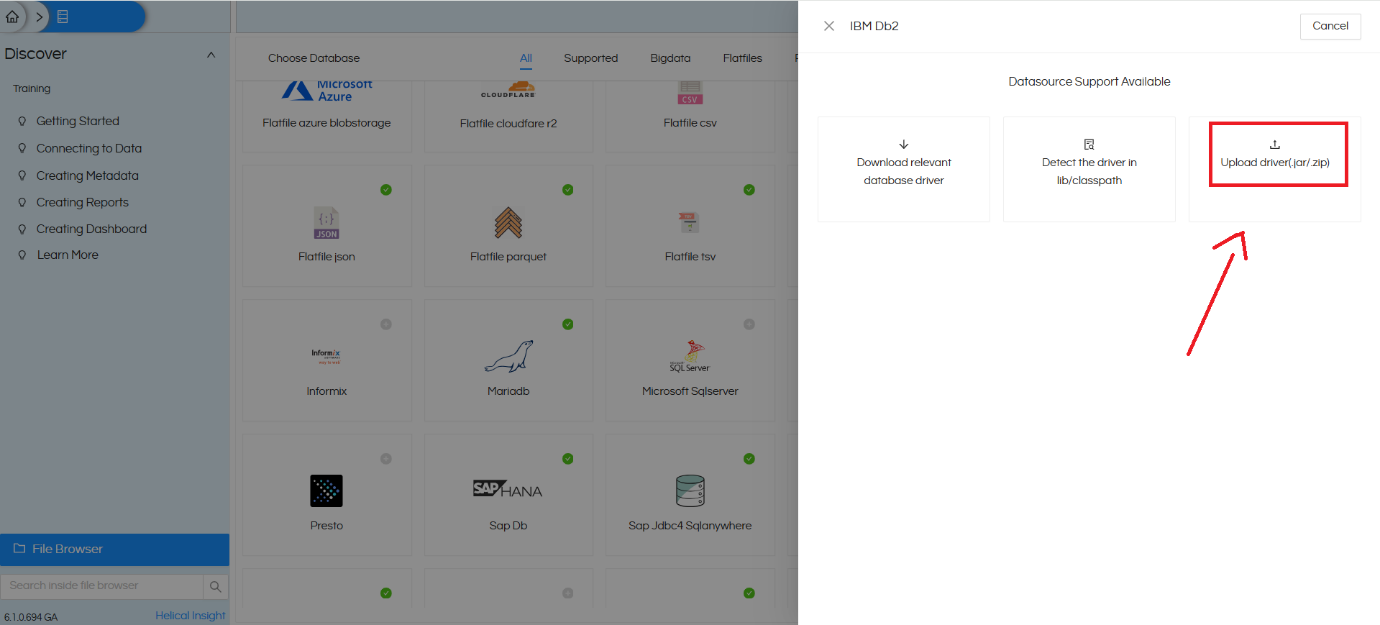
- Click on Download relevant database Driver
- You’ll be redirected to the Helical Insights driver page
- Download the required JAR file (IBM DB2 driver)
- Go back to Helical Insights
- Upload the downloaded JAR/Driver file
- Once uploaded, the IBM DB2 option becomes usable
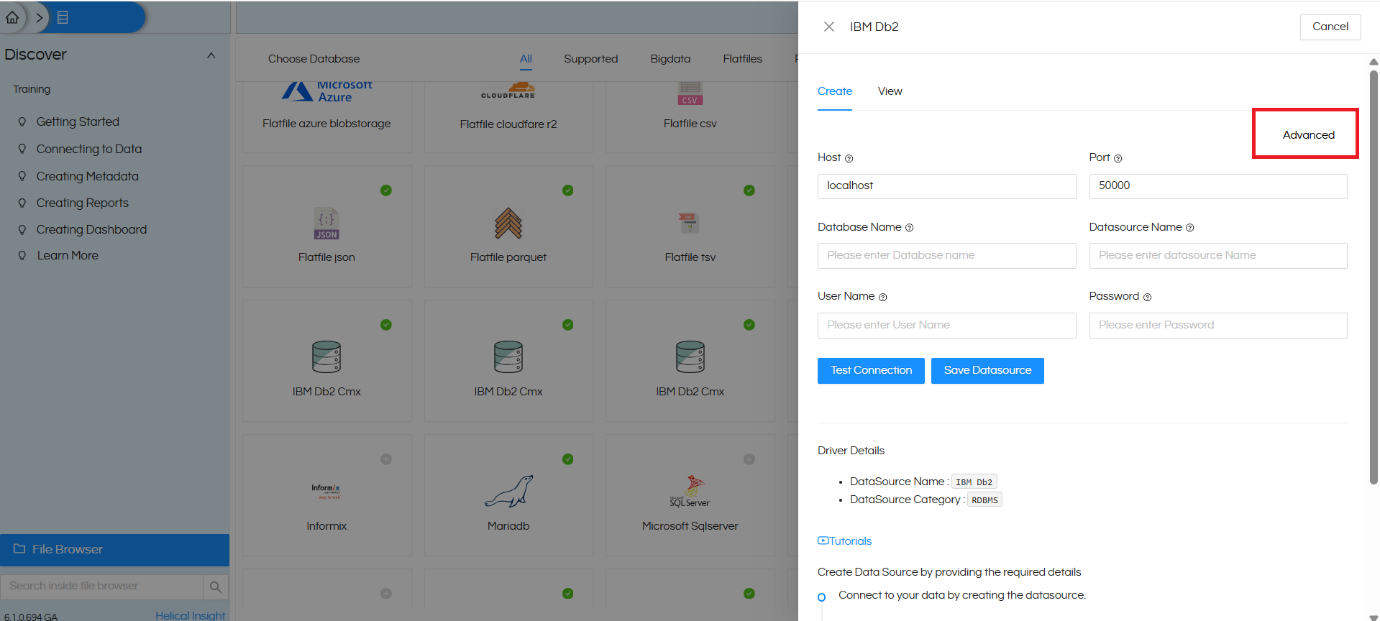
Now fill in the required fields:
🔸 Basic Details:
- Datasource Name → Any name (e.g., DB2_Production)
- Database Name → Your DB2 database name
- Host Name → Server IP / Host address
- Port → DB2 port
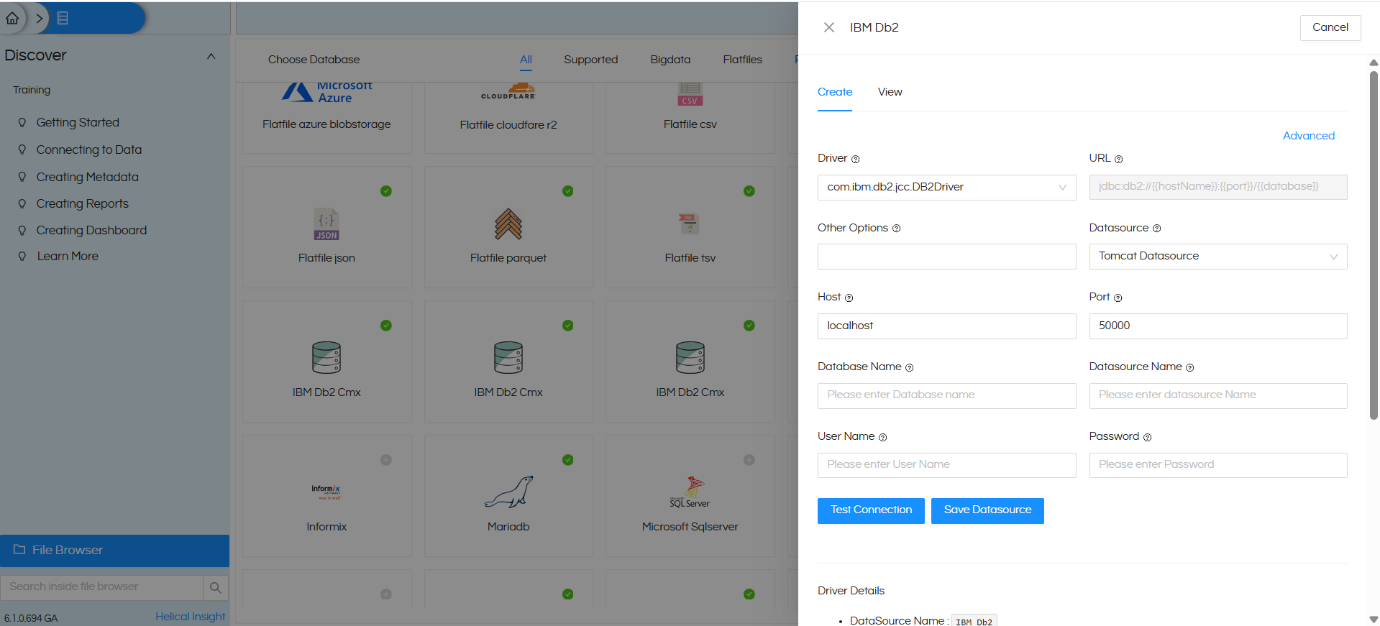
Click on Advanced and in other options:
add : sslConnection=true;
This enables secure connection (required in most DB2 setups)
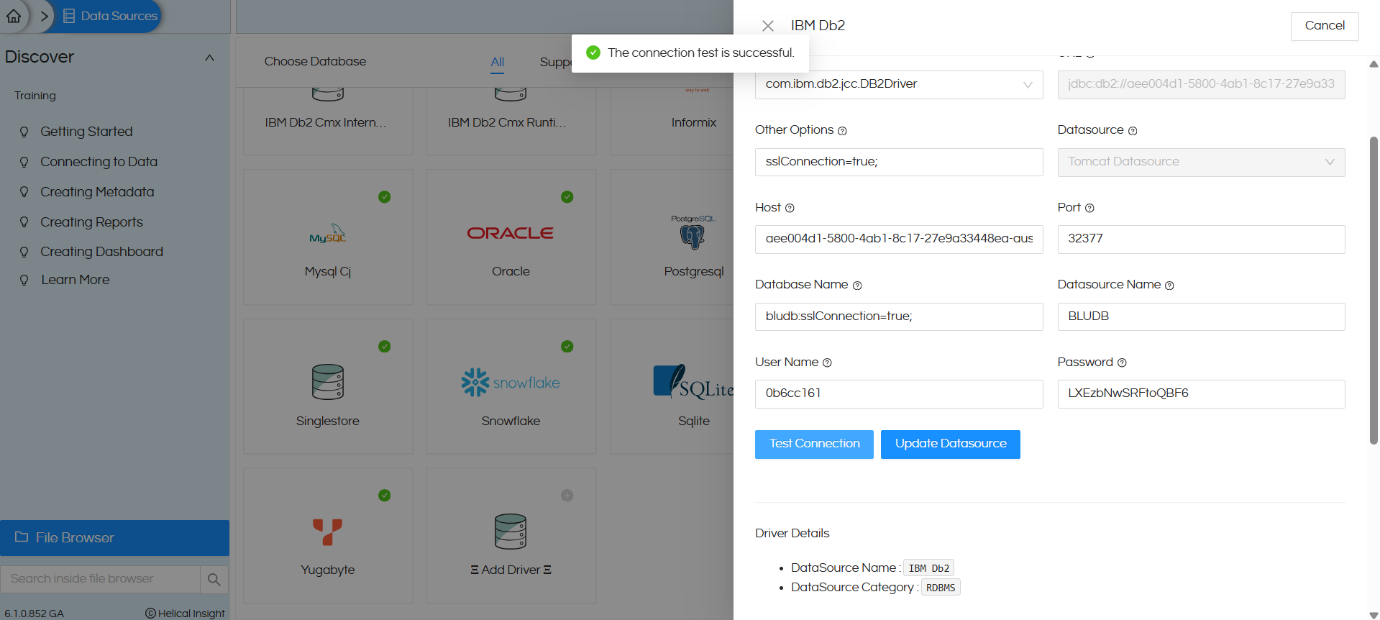
Click on Test Connection
- If everything is correct → ✅ Success message appears
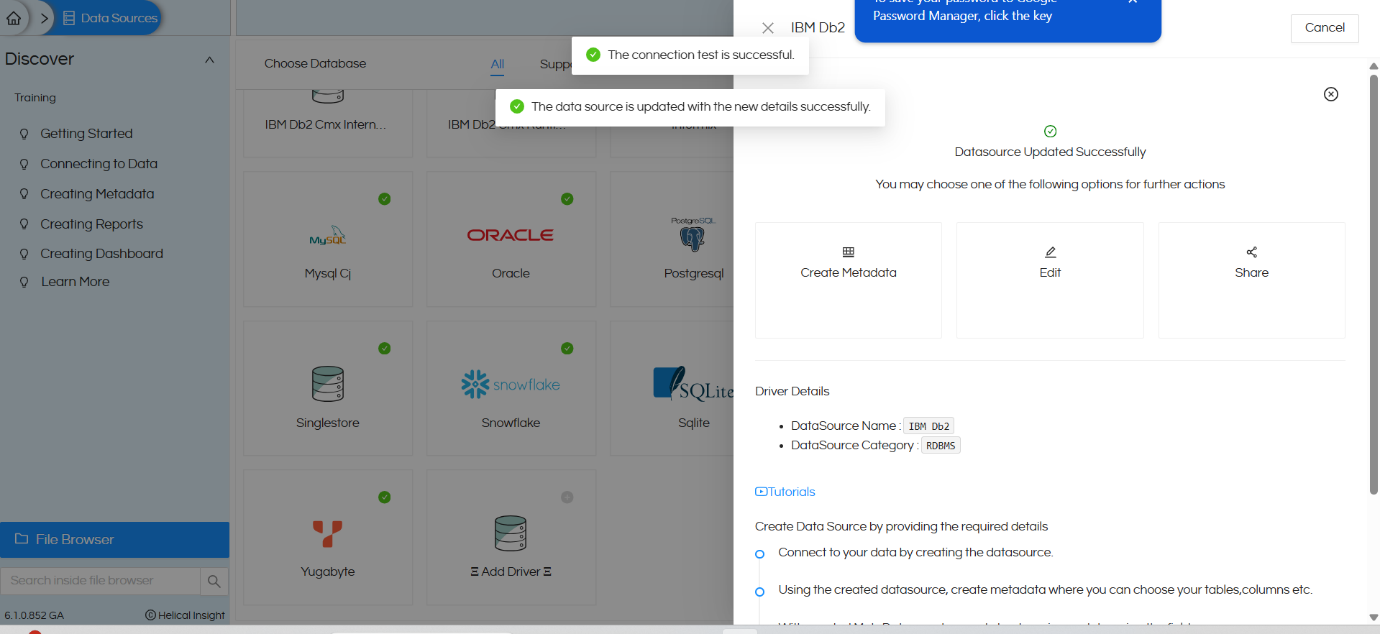
Click on Update Datasource
Your IBM DB2 connection is now successfully configured!
