
When we create a canned report, those reports can have date filters like start date end date etc. In many cases we might want that the report should open with a default relative date value, like last 3 days, last 12 months, next 7 days, next 1 quarter. All these are called as relative dates.
In this document, we have covered how to configure “Relative Date” so that by default when the report opens it will show the data for Last 7 days or last 3 months etc.
1. Configure the Report Parameters
Create the canned report with the required filter values with filter conditions. In this example of canned report, we have 2 filters and we are creating a report which will show the data for last 7 days by default.
Open the Report Parameters panel and it has options to set the default value. Set the date parameter defaults as shown in the screenshot:
startdate — Filter Type: Date; Default Value: month-11
enddate — Filter Type: Date; Default Value: today-1
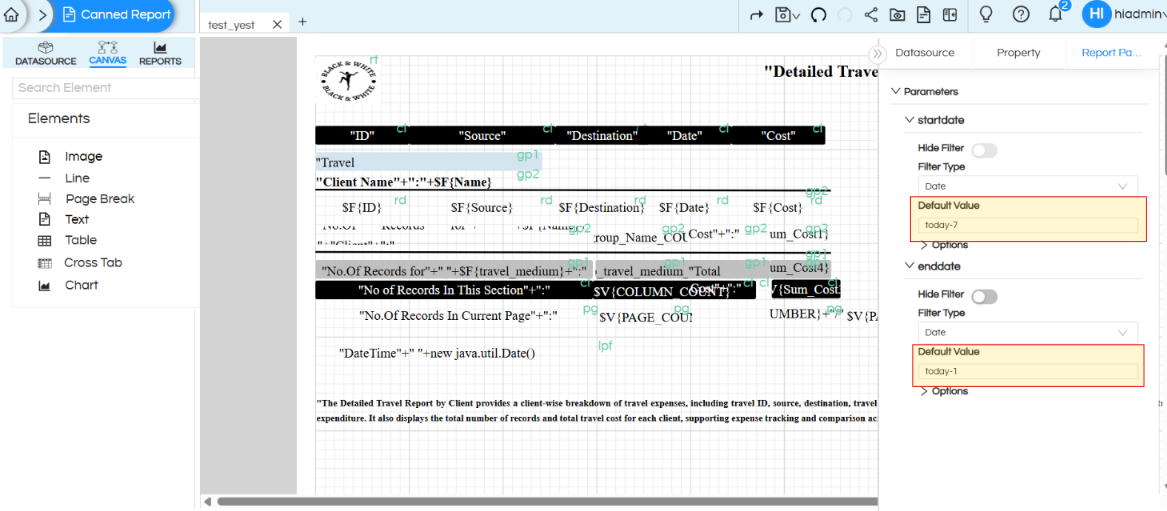
Figure 1. Report Parameters configured with startdate = today-7 and enddate = today-1.
2. Run the Report
Save the report. After saving the parameter defaults, run the report. I am opening the report today (i.e. 20th October 2026). Hence the report will show the data for the 14 Oct to 20 Oct 2026.
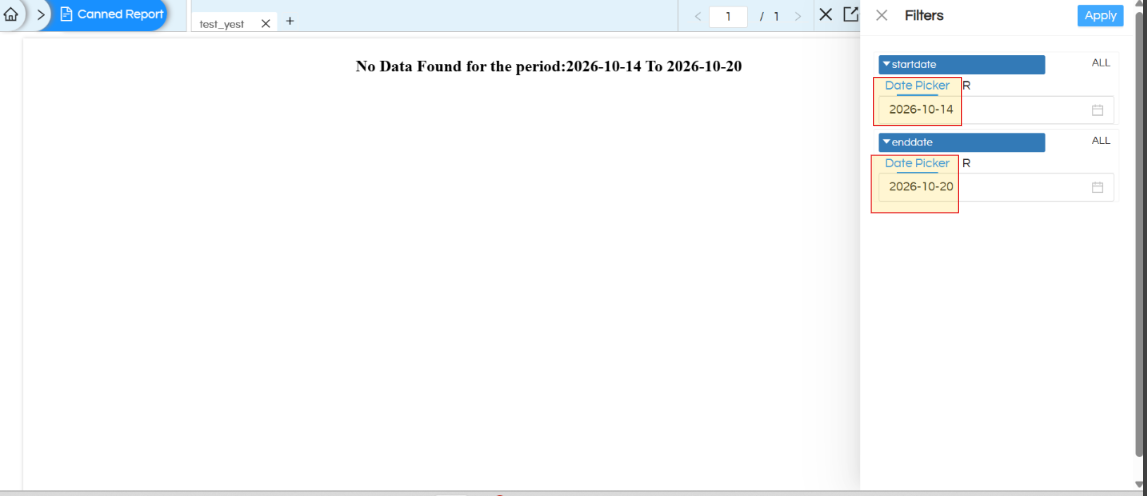
Figure 2. Report output showing: “No Data Found for the period: 2025-11-01 To 2026-10-20”.
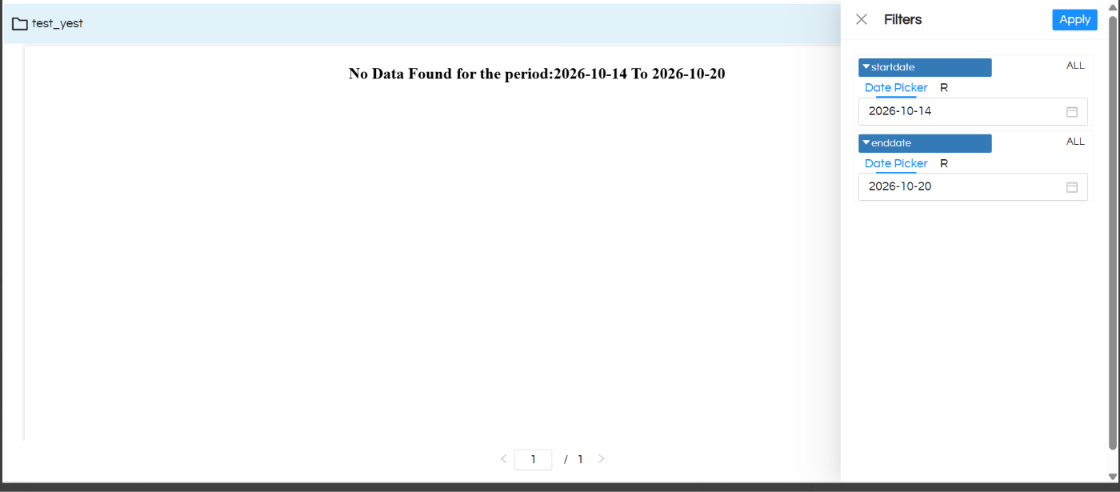
We can see in the image that the report is opening with the default date values. Also in case if you click on the filter, the filter popup which will open will also reflect the start date and end date accordingly.
User can then click on the “Filter”, on the popup he can then make further selections and accordingly the data can get changed as well.
3. Default Values Reference
In a similar way, in the default values, any other parameters can be passed. Both – (minus) and + (plus) can be passed in the default values.
| Relative value | Meaning |
|---|---|
month-11 |
11 months before the current month; resolves to the start of that month in this example. |
today-1 |
One day before today (yesterday). |
Year+1 |
One year after the current year/period, depending on the report’s relative-date handling. |
Quarter+2 |
Next two quarters |
Note: “No Data Found” means the report ran for the displayed date range but did not find matching records. It does not by itself indicate that the relative date defaults failed.
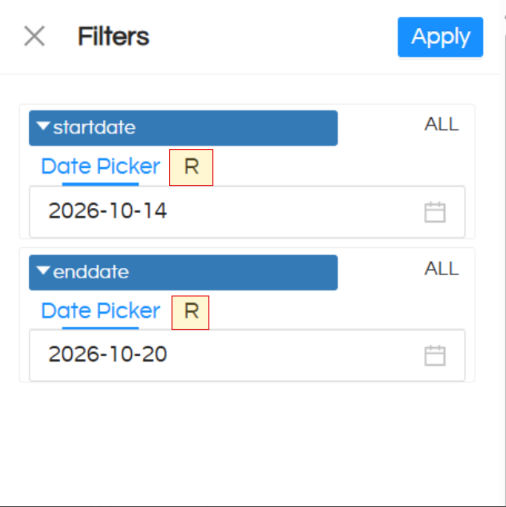
Note 2: On the date filter UI which pops-up, there is a R option. This R option is not to be used when we are using canned report, whereas R option is to be used when we want to implement relative dates in adhoc report designer module. The steps mentioned above specifies how to implement relative dates (via usage of default) in canned reports.
In case of any questions
In case of any questions, please raise them on https://forum.helicalinsight.com/ or reach out on support@helicalinsight.com.
