
From Helical Insight version 6.1.0.826 onwards, Report Properties are available for canned reports.
Properties are configuration settings that control how data is processed, formatted, and displayed when it is generated or exported from a system. They help ensure the output is accurate, consistent, and easy to use, regardless of where it is viewed.
In this blog, we will look at these properties in detail and understand how they make report generation smoother and more reliable. There are certain set of prebuilt configurations which are present which can be changed as per the need, and other custom property and values can be added.
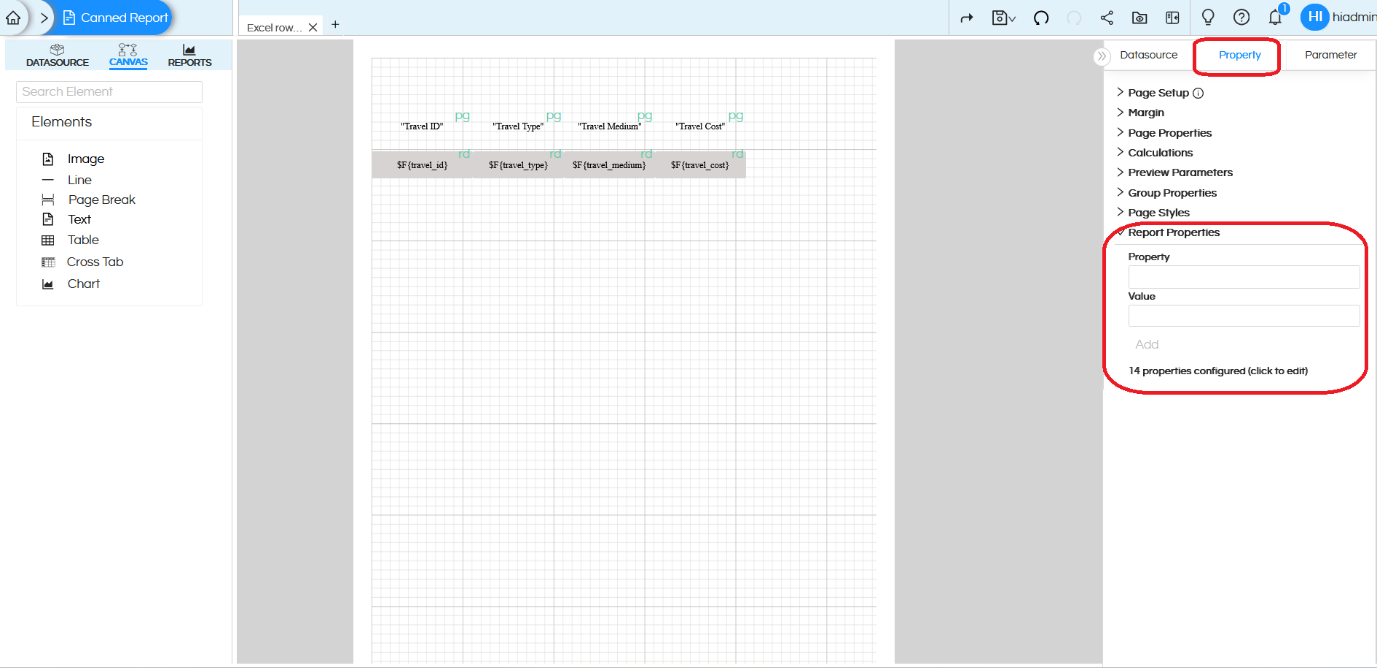
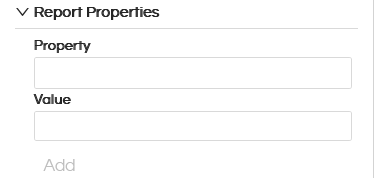
Property:
This field is where you enter the name of the property you want to configure.
Each property represents a specific behaviour or rule that affects report generation, formatting, or export.
Value:
This field defines how the selected property should behave.
The value are generally true or false depending on the property.
Add:
After entering the Property and its Value, clicking Add applies the configuration to the report.
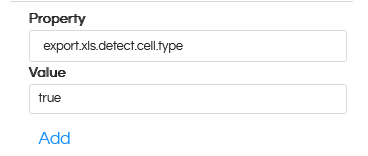
Types of Report Properties
In properties, we have two types:
- User Defined Properties: These properties are custom properties which can be created by the user based on specific requirements. Read here to learn more about user defined properties.
- Default or System Defined Properties: There are already prebuilt certain set of properties which are having value. Read here to learn about their usage, and how you can change their values which will affect the usage. Read here to learn more about defaulted/system defined properties.
Reach out onsupport@helicalinsight.com in case of any more questions.
